Published: 23 October 2026
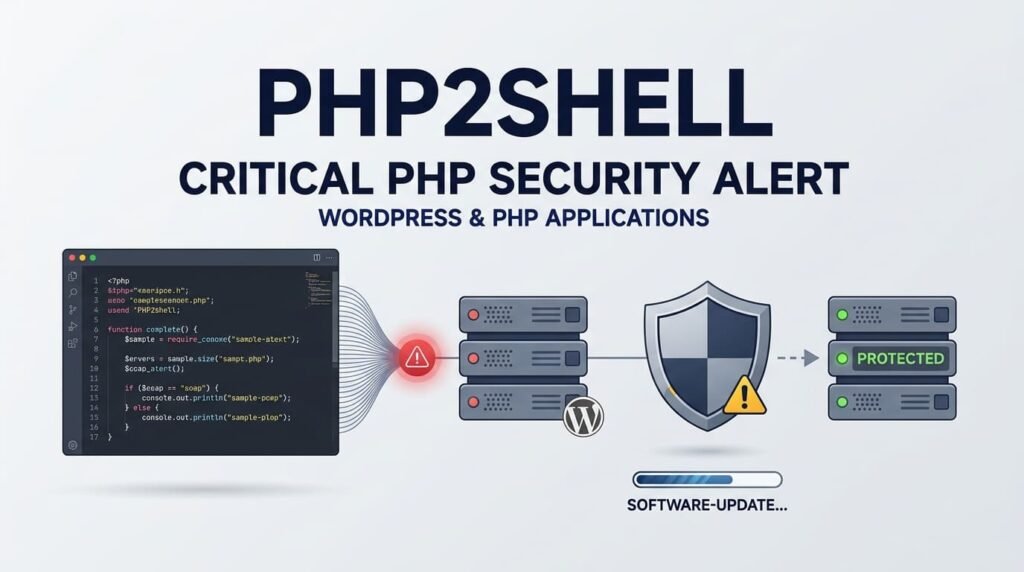
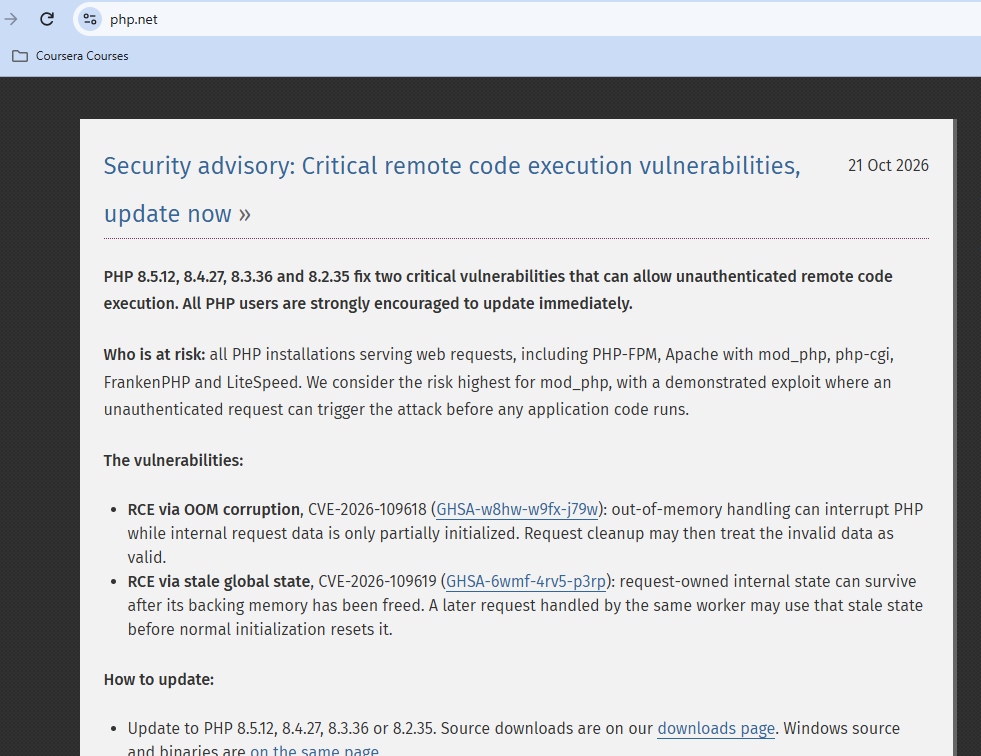
On 21 October 2026, the PHP project released critical security updates addressing two vulnerabilities associated with PHP2Shell. The flaws could potentially allow attackers to execute code remotely on vulnerable servers under certain conditions.
This matters to website owners because PHP powers a large part of the web, including WordPress and many other content management systems, ecommerce platforms, and custom applications. Updating WordPress plugins and themes is important, but it cannot replace patching a vulnerable PHP runtime.
What Is PHP2Shell, and Why Did PHP Release Security Updates?
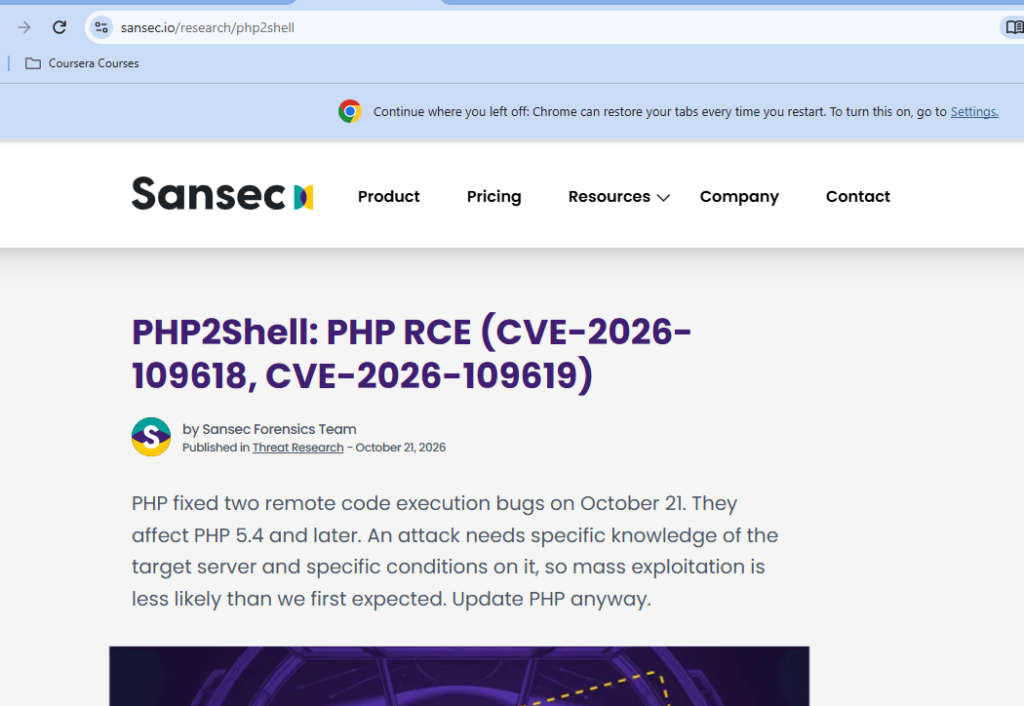
The PHP security release addressed two critical vulnerabilities: CVE-2026-109618 and CVE-2026-109619. Both were reported with a CVSS severity score of 9.2 out of 10.
The issues involve memory handling and error-processing behaviour within PHP. Under specific conditions, an attacker may be able to exploit these flaws to execute code remotely or expose sensitive information.
The vulnerabilities drew attention because of the potential consequences for servers running affected PHP versions. The incident also prompted discussion within the PHP community about security review, specialist resources, and how complex security issues are prioritized and resolved.
These issues are commonly discussed under the name PHP2Shell. However, the term should not be confused with proof that PHP developers deliberately inserted a backdoor into the language. The reports describe exploitable software vulnerabilities, not confirmation of an intentionally planted backdoor.
For technical details, read the PHP Foundation’s security release explanation and Sansec’s PHP2Shell research.
How Could PHP2Shell Affect WordPress Websites?
WordPress is built on PHP. This means a vulnerability in the PHP runtime can affect the environment in which WordPress, its plugins, themes, and custom code execute.
A website may be running an up-to-date version of WordPress but still use a vulnerable PHP version. In that situation, updating WordPress core alone does not resolve the underlying runtime vulnerability.
Depending on the server configuration and the permissions available to the PHP process, successful exploitation could lead to:
- Remote code execution: An attacker may be able to run malicious code on the affected server.
- Sensitive information exposure: Memory-handling flaws can potentially expose information held in memory.
- Website compromise: An attacker who gains sufficient access could tamper with website files or attempt further attacks.
These are potential consequences, not proof that every vulnerable website has been compromised. Exploitation depends on the affected version, configuration, and other conditions.
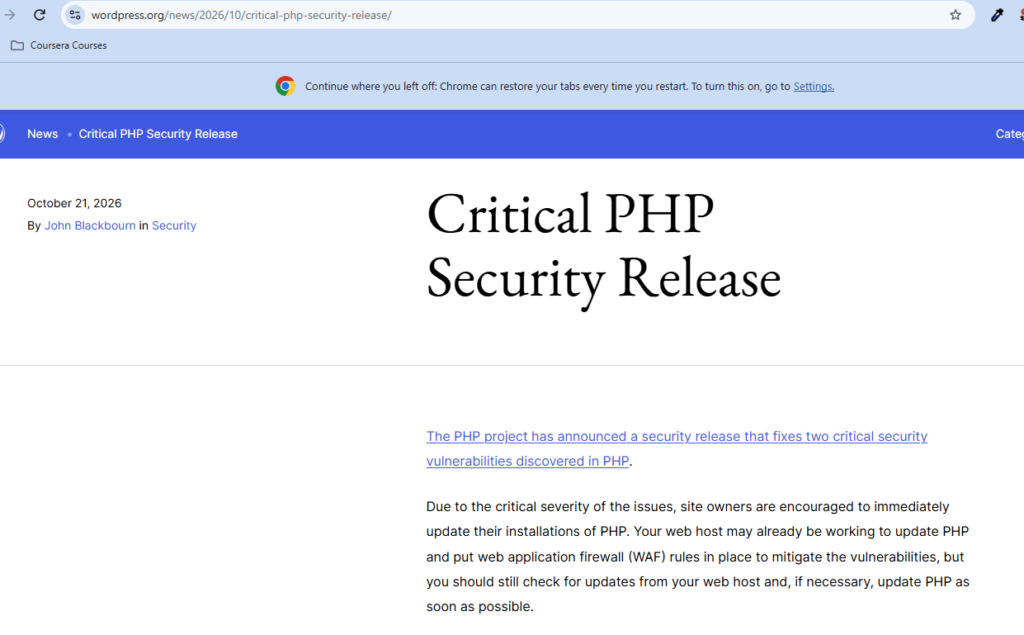
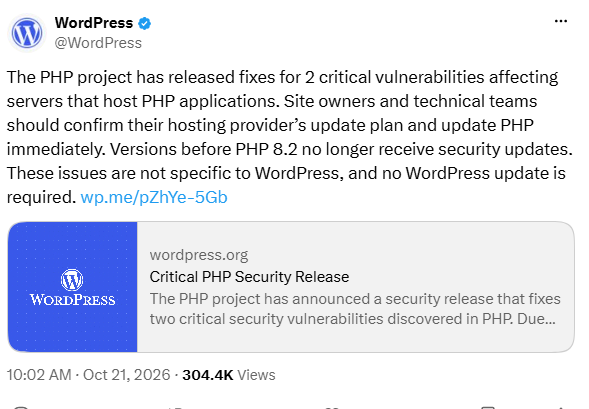
WordPress published a dedicated notice on 21 October 2026 to alert website owners to the PHP security release. The issue concerns PHP itself rather than a vulnerability specific to WordPress core.
Official reference: WordPress.org — Critical PHP Security Release
Screenshot: WordPress’ Official PHP Security Warning
Insert a screenshot of the official WordPress announcement here.
Source: https://wordpress.org/news/2026/10/critical-php-security-release/
Does PHP Really Power More Than 75% of Websites?
PHP is widely used, but security reporting should use the correct statistics and explain what they measure.
According to W3Techs’ October 2026 figures, PHP was used by approximately 69.3% of websites for which the server-side programming language was known. This is a substantial share, but it does not mean PHP powers more than 75% of every website on the internet.
WordPress, meanwhile, powers approximately 40% of all websites, according to W3Techs’ website-usage statistics. WordPress and PHP figures measure different things and should not be added together.
The wider lesson is clear: a serious vulnerability in a commonly used server-side runtime can have consequences across many different types of websites—not just WordPress.
Reference: W3Techs — Usage statistics of server-side programming languages
Which PHP Versions Were Updated?
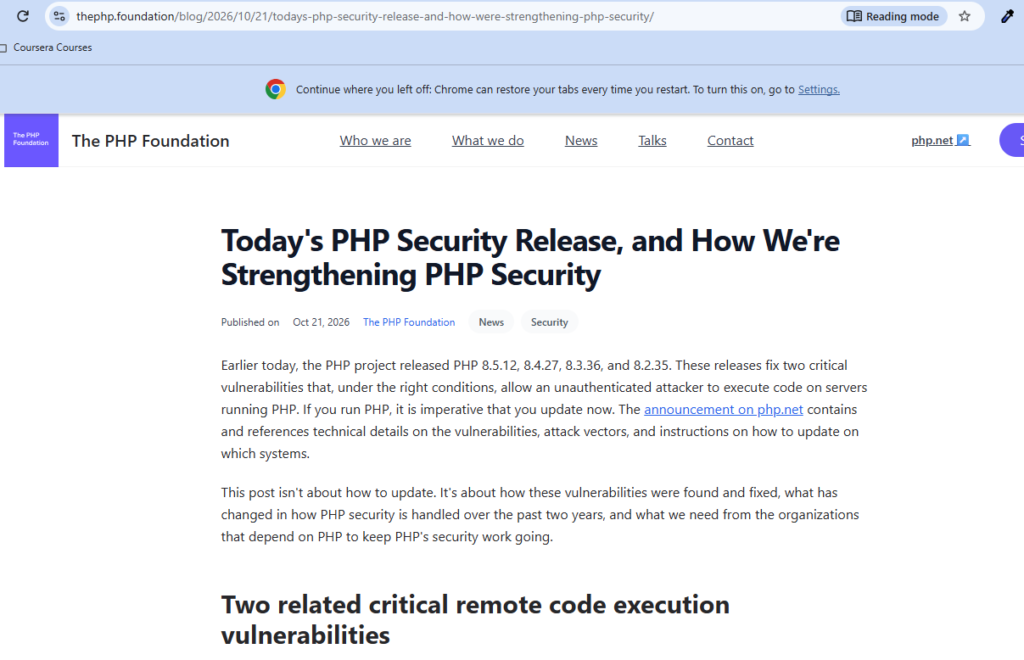
The PHP project published the following patched releases on 21 October 2026:
- PHP 8.5.12
- PHP 8.4.27
- PHP 8.3.36
- PHP 8.2.35
Website owners should confirm which PHP branch their hosting environment uses and install an appropriate security-fixed version.
If your website runs an older or unsupported PHP branch, do not assume that simply selecting one of the versions listed above is the correct upgrade path. Check the official release information, your operating-system vendor’s security advisories, and your hosting provider’s guidance.
Official source: PHP.net
What WordPress Website Owners Should Do Now
Website security requires maintenance across the entire stack, from the application to the server runtime. Use this checklist to review your website.
1. Check the active PHP version
In WordPress, navigate to Tools → Site Health → Info → Server. You can also check the PHP version in your hosting control panel.
2. Apply the appropriate PHP security update
Ask your hosting provider to confirm that the relevant security patch has been applied. If you manage the server yourself, follow the official instructions for your PHP package and operating system.
3. Check compatibility before upgrading
Review your WordPress version, themes, plugins, and custom code before changing PHP versions. Test the upgrade on a staging site where possible, and keep a tested backup available.
4. Review the wider security configuration
Keep WordPress core, plugins, and themes updated. Review access controls, backups, server permissions, and relevant logs. If you suspect exploitation, follow an incident-response process rather than assuming that patching alone removes an existing compromise.
5. Plan upgrades for unsupported PHP versions
Older PHP branches may no longer receive standard security updates. Plan a migration to a supported version, taking account of application compatibility and hosting constraints.
A web application firewall can provide an additional layer of defence, but it is not a substitute for installing the appropriate security fix.
For further reading, see my article on the developer’s role as a technical problem solver, which explores why diagnosing the underlying cause matters more than applying surface-level fixes.
What Are Major Technology Companies and Security Researchers Saying?
These primary sources provide useful evidence for readers who want to examine the incident directly. When using screenshots in this article, retain the source name, publication date, and a clickable link to the original page.
1. WordPress — Critical PHP Security Release
Official announcement: https://wordpress.org/news/2026/10/critical-php-security-release/
2. The PHP Foundation — Security Release and Lessons Learned
Official announcement: https://thephp.foundation/blog/2026/10/21/todays-php-security-release-and-how-were-strengthening-php-security/
Technical report: https://sansec.io/research/php2shell
3. Sansec — PHP2Shell Technical Research
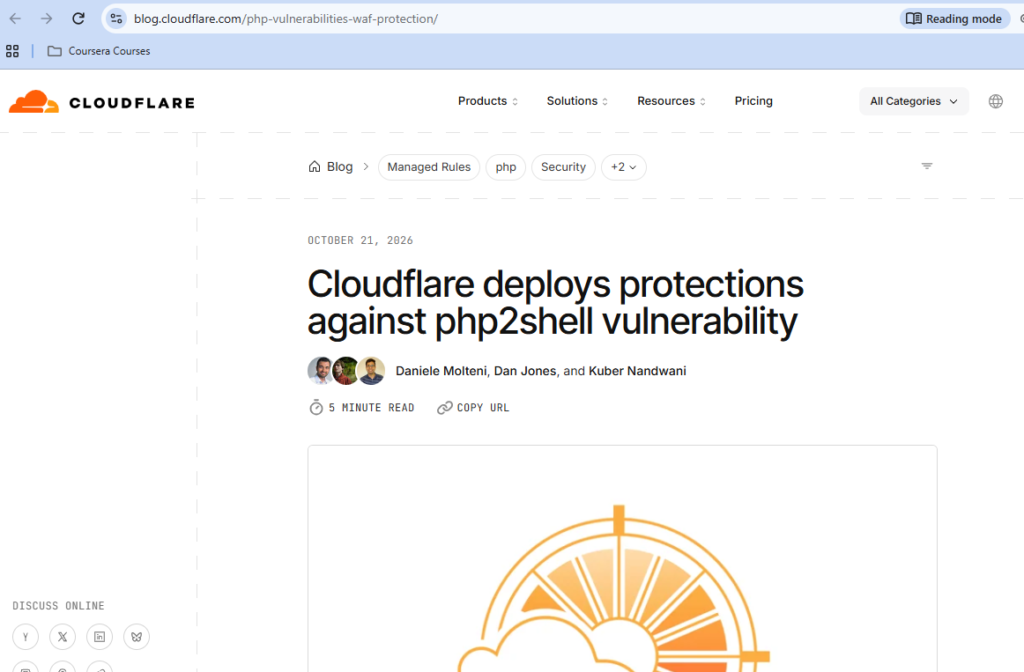
4. Cloudflare — Security Mitigations
Reported security analysis: https://blog.cloudflare.com/php-vulnerabilities-waf-protection/
Frequently Asked Questions
What is PHP2Shell?
PHP2Shell refers to two critical PHP vulnerabilities disclosed on 21 October 2026. Under affected conditions, they can allow unauthenticated remote code execution on vulnerable PHP servers.
Does PHP2Shell affect WordPress websites?
It can affect WordPress websites running vulnerable PHP environments. The vulnerabilities are in PHP itself rather than WordPress core, so updating WordPress alone does not fix the underlying issue.
Was a backdoor deliberately added to PHP?
PHP2Shell describes critical software vulnerabilities, not evidence that PHP developers intentionally inserted a backdoor. The risk comes from attackers exploiting the flaws to execute code or access sensitive information.
Which PHP versions contain the security fixes?
The releases published on 21 October 2026 include PHP 8.2.35, 8.3.36, 8.4.27, and 8.5.12. Older branches may require vendor-provided or backported fixes, so check the relevant security advisory.
How can I check my WordPress PHP version?
In your WordPress dashboard, open Tools, then Site Health, then Info, and check the Server section. Your hosting control panel may also display the active PHP version.
Is updating WordPress enough to fix PHP2Shell?
No. The server's PHP runtime or the applicable vendor package must include the security fixes. Contact your hosting provider if you cannot update PHP yourself.
What should I do if my host cannot update PHP immediately?
Ask your hosting provider for an immediate mitigation plan and confirmation of the affected runtime. Follow official vendor guidance; for an exposed system that cannot be safely mitigated, temporarily taking it offline may be necessary.
Final Thoughts: Updating PHP Is Part of Website Security
PHP2Shell highlights an important principle: website security does not stop at WordPress core, plugins, or themes. The underlying PHP runtime and hosting environment also require attention.
If you own or manage a PHP-powered website, check the PHP version in use and confirm that the appropriate security fix has been installed. If your site is hosted by a provider, request confirmation rather than assuming the server was updated automatically.
Secure websites are maintained at every layer: application, runtime, server, and access controls.
About the Author
Mirza Hadi Baig is a Full-Stack Web Developer, Technical Problem Solver, Product Builder, and AI SEO & GEO Strategist with more than 17 years of experience across the technology industry. His professional journey spans IT education, healthcare IT and administrative information systems, WordPress development, technical troubleshooting, and independent digital product building.
His work focuses on WordPress and PHP development, website reliability, debugging, performance, security awareness, hosting environments, technical SEO, and practical solutions to real-world web problems. He approaches technical issues by investigating their root causes, evaluating risks, and prioritizing stable, maintainable fixes rather than relying on surface-level workarounds.
Mirza's professional development includes following certifications: IBM and ISC2 Cybersecurity Specialist, IBM Full Stack Software Development and IBM JavaScript Back-End Development. These credentials complement his broader IT experience and ongoing learning across web technologies, software development, and security fundamentals.
He also builds practical tools and products, including Schema Genie Pro, HS3Dev AI Content Index for llms.txt, GEOScope Content Analyzer, ButtonCraft Generator, and SecurePass Generator.
Through his articles, Mirza shares practical technical knowledge to help developers, website owners, and businesses make better decisions about website development, troubleshooting, security, and emerging technology.
Explore his work at hadi-mirza.com or connect on LinkedIn.