
Introduction
Breadcrumb structured data allows search engines to understand website hierarchy and present navigational paths directly in search results. When implemented correctly, breadcrumb schema enhances crawl clarity and improves how URLs are displayed in Google Search.
Google formally documents breadcrumb structured data as part of its structured data implementation guidelines and recommends JSON-LD as the preferred format for implementation.
(Source: Google Search Central – Breadcrumb Structured Data, 2024
https://developers.google.com/search/docs/appearance/structured-data/breadcrumb)
However, in WordPress environments, breadcrumb schema conflicts frequently occur due to overlapping automation from plugins, themes, and custom implementations.
Key Problem / Context
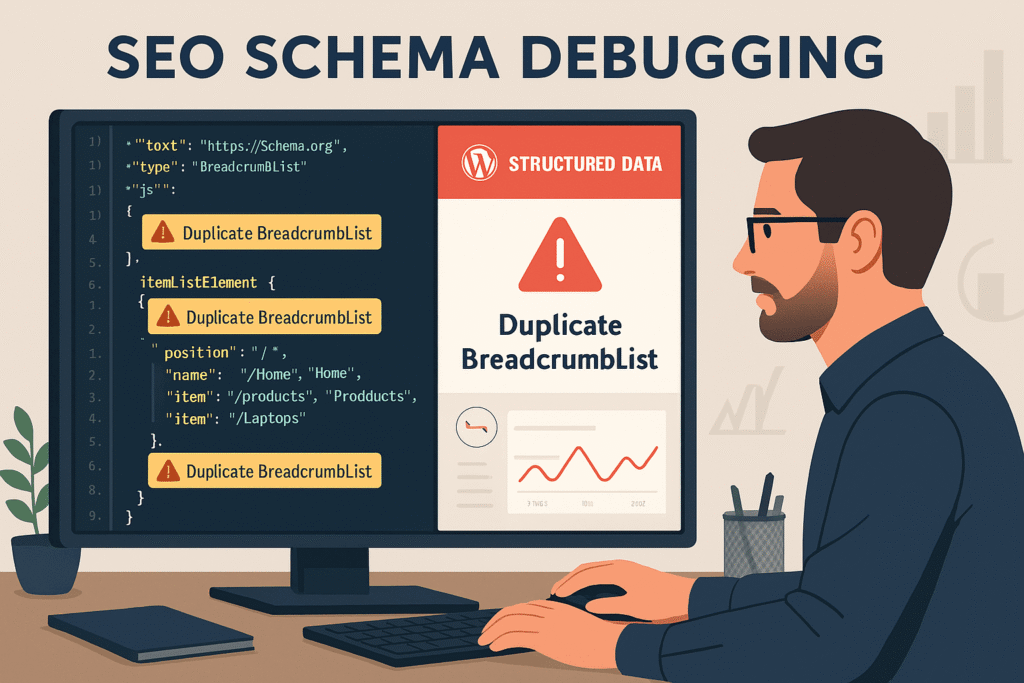
Structured data errors are not uncommon. Google Search Console frequently reports breadcrumb enhancement issues when duplicate or improperly formatted schema exists. The most common causes include:
- Multiple
BreadcrumbListoutputs on a single page - Mixing Microdata and JSON-LD formats
- Plugin-level duplication
- Manual schema overlapping automated schema
Google explicitly states that structured data must follow proper formatting and avoid duplication for eligibility in rich results.
(Source: Google Structured Data General Guidelines
https://developers.google.com/search/docs/appearance/structured-data/intro-structured-data)
In WordPress ecosystems—where automation is layered—schema duplication becomes a structural configuration issue rather than a coding problem.
Section 1: Multiple Schema Generators (Primary Cause)
Explanation
The most common root cause of breadcrumb schema conflicts in WordPress is multiple schema generators running simultaneously.
Common generators include:
- Yoast SEO
- Rank Math
- All in One SEO
- Theme-integrated schema modules
Each of these tools can independently generate breadcrumb structured data in JSON-LD format.
If two generators are active, the page may output:
"@type": "BreadcrumbList"
more than once, leading to duplication errors in Google Search Console.
WordPress plugin best practices advise against overlapping plugins with identical functionality, as this increases structural conflicts.
Supporting Sources
Yoast SEO Breadcrumb Documentation
https://yoast.com/help/implement-wordpress-seo-breadcrumbs/
Rank Math Breadcrumb Documentation
https://rankmath.com/kb/breadcrumbs/
All in One SEO Breadcrumb Documentation
https://aioseo.com/docs/setting-up-breadcrumbs/
WordPress Plugin Best Practices
https://wordpress.org/support/article/plugins/
Section 2: Format Conflicts (JSON-LD vs Microdata)
Explanation
Some WordPress themes embed breadcrumb Microdata directly inside HTML markup. Meanwhile, SEO plugins generate JSON-LD schema separately.
Google supports multiple structured data formats but explicitly recommends JSON-LD due to lower implementation error risk and cleaner separation from markup.
When both Microdata and JSON-LD exist simultaneously for breadcrumbs, search engines may detect duplicate BreadcrumbList entities.
The recommended fix:
- Retain JSON-LD (plugin-generated)
- Disable theme Microdata where possible
Supporting Source
Google Structured Data Formats Recommendation
https://developers.google.com/search/docs/appearance/structured-data/intro-structured-data#structured-data-formats
Schema Markup Validator
https://validator.schema.org/
Section 3: Manual JSON-LD Insertions (Advanced Conflict)
Explanation
In many real-world WordPress implementations, developers manually insert breadcrumb schema via:
functions.phpheader.php- Custom snippet plugins
- Google Tag Manager
If an SEO plugin is later installed and configured to generate breadcrumbs automatically, duplication occurs silently.
Google does not require duplicate structured data blocks. In fact, duplication can invalidate eligibility for rich results.
Example Case
In a recent technical audit:
- A WordPress site used Rank Math for SEO
- The developer had previously inserted custom JSON-LD breadcrumbs via
functions.php - Search Console reported duplicate BreadcrumbList errors
Resolution steps:
- Manual JSON-LD block removed
- Cache cleared
- Revalidated via Rich Results Test
- “Validate Fix” requested in Search Console
Error status cleared within validation cycle.
Supporting Sources
Google Rich Results Test
https://search.google.com/test/rich-results
Google Search Console URL Inspection
https://support.google.com/webmasters/answer/9012289
Google Tag Manager Help
https://support.google.com/tagmanager/answer/6102821
Section 4: Caching and CDN Interference
Explanation
Even after removing duplication, structured data errors may persist due to cached HTML being served.
This is common when using:
- WordPress caching plugins
- CDN services like Cloudflare
If cache is not purged, Google may continue crawling outdated schema markup.
Proper remediation requires clearing:
- WordPress cache
- CDN cache
- Browser cache
Supporting Source
Cloudflare Cache Purge Documentation
https://developers.cloudflare.com/cache/how-to/purge-cache/
WordPress Backup and Maintenance Best Practices
https://wordpress.org/support/article/wordpress-backups/
Conclusion
Breadcrumb schema conflicts in WordPress are typically not algorithmic issues — they are configuration conflicts caused by overlapping automation layers.
The resolution principle is straightforward:
One source of truth.
One BreadcrumbList.
Validated structure.
Verified output.
By following Google’s structured data documentation and WordPress implementation standards, breadcrumb conflicts can be resolved systematically without guesswork.
Structured troubleshooting, not trial-and-error, is the correct approach.
References & Further Reading
Google Search Central – Breadcrumb Structured Data
https://developers.google.com/search/docs/appearance/structured-data/breadcrumb
Google Structured Data Guidelines
https://developers.google.com/search/docs/appearance/structured-data/intro-structured-data
Google Search Console Overview
https://search.google.com/search-console/about
Rich Results Test
https://search.google.com/test/rich-results
Schema Markup Validator
https://validator.schema.org/
Yoast SEO Documentation
https://yoast.com/help/implement-wordpress-seo-breadcrumbs/
Rank Math Documentation
https://rankmath.com/kb/breadcrumbs/
All in One SEO Documentation
https://aioseo.com/docs/setting-up-breadcrumbs/
WordPress Plugin Guidelines
https://wordpress.org/support/article/plugins/
Cloudflare Cache Management
https://developers.cloudflare.com/cache/how-to/purge-cache/